
Leave an organization or delete your account
Neither is self-serve: an Admin removes you, and support deletes accounts.
You can’t leave an organization or delete your account yourself in the app. Here’s what to do instead.
Leave an organization
Section titled “Leave an organization”Ask an Admin of your organization to remove you. They do it from Settings›Access. See Remove a member from your organization.
Not sure who your Admins are? Open Settings›Access: everyone can see the member list and each person’s role.
Once you’re removed, you can still sign in, but you no longer see your organization’s content and you’re no longer on its plan.
If you’re the only Admin
Section titled “If you’re the only Admin”An organization must always have an Admin. Make someone else an Admin first, then ask them to remove you. See Change a member’s role.
If you pay for Pro yourself
Section titled “If you pay for Pro yourself”Leaving an organization doesn’t cancel your own Pro subscription. To stop paying, cancel it.
Delete your account
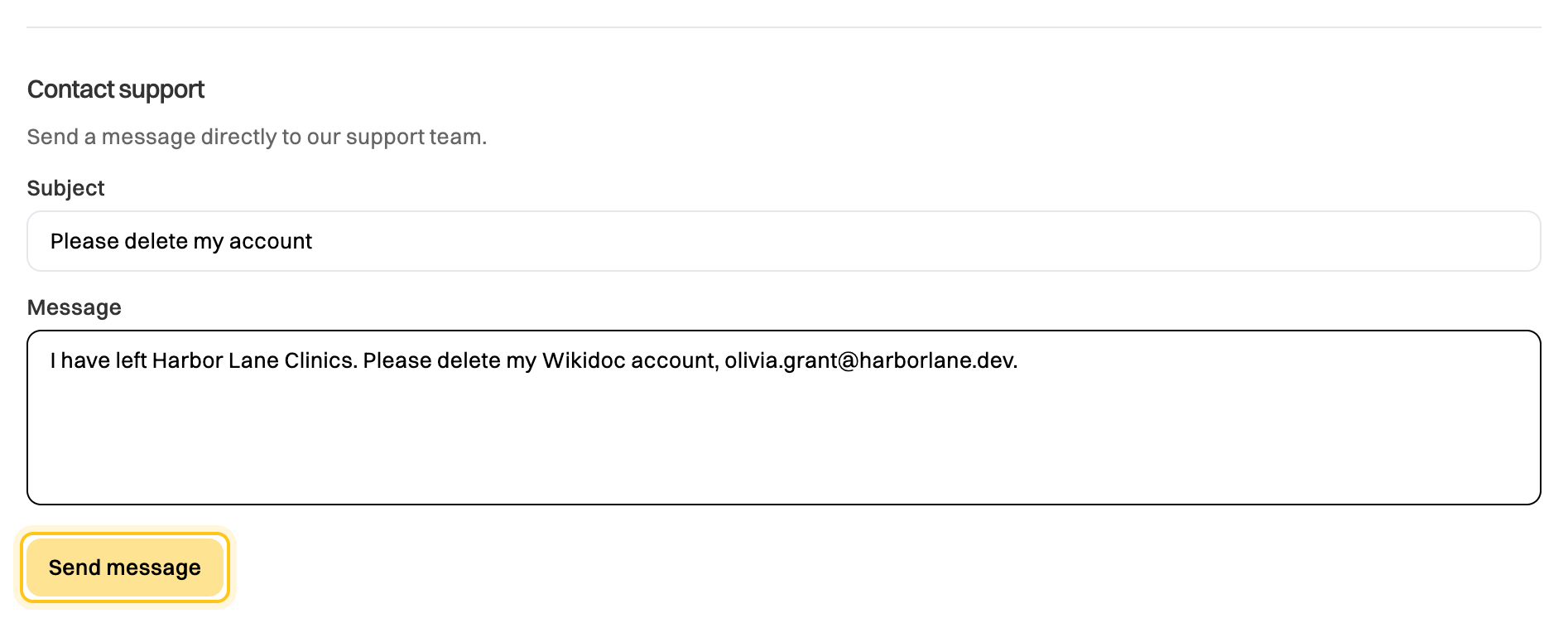
Section titled “Delete your account”Ask support. Send a request from Settings›Account under Contact support, or email support@wikidoc.ai from the address you use for Wikidoc.
Before you ask:
- Cancel any subscription you pay for. See Cancel your subscription.
- If you’re an Admin, make someone else an Admin so your organization isn’t left without one.
- Export anything you want to keep. See Export a document.