
Contact support
Send us a message from the app or by email, and when to expect a reply.
From the app
Section titled “From the app”-
Go to Settings›Account and scroll to Contact support at the bottom.
-
Enter a Subject and your Message, then click Send message.
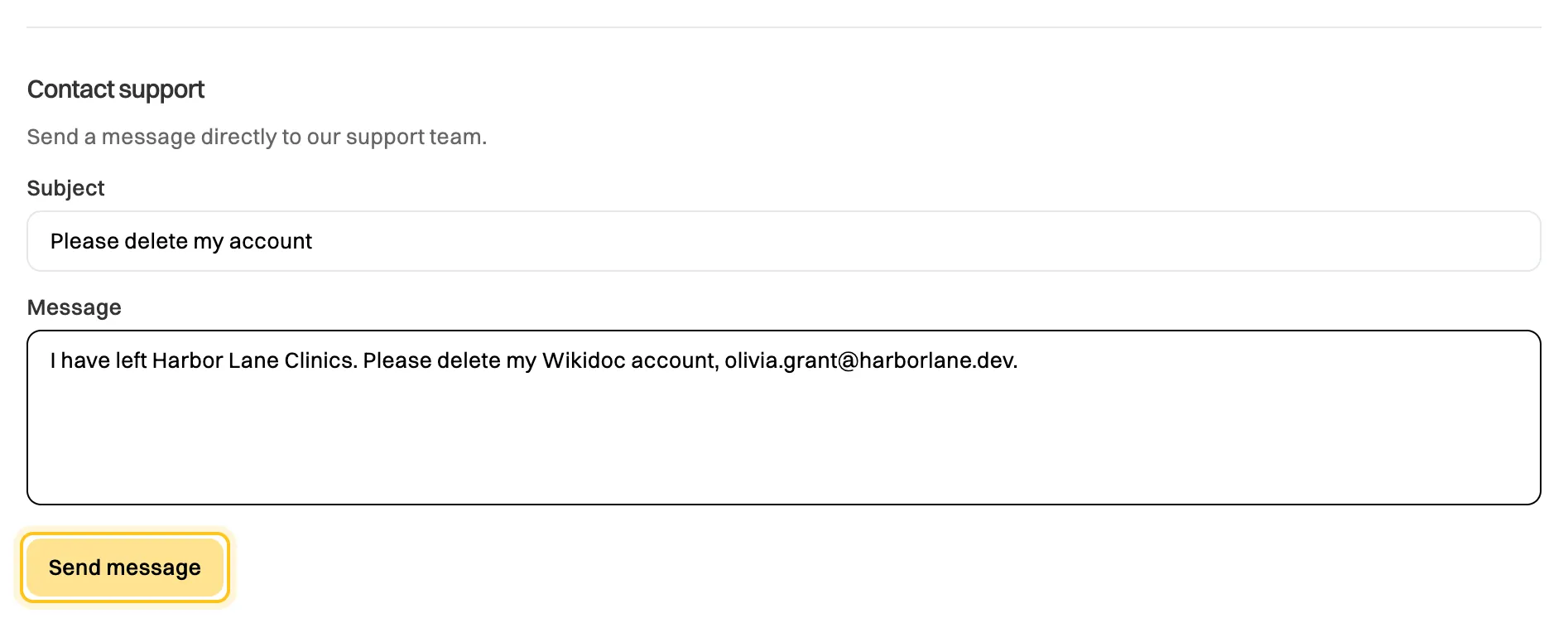
Your message comes from your account, so we know who you are.
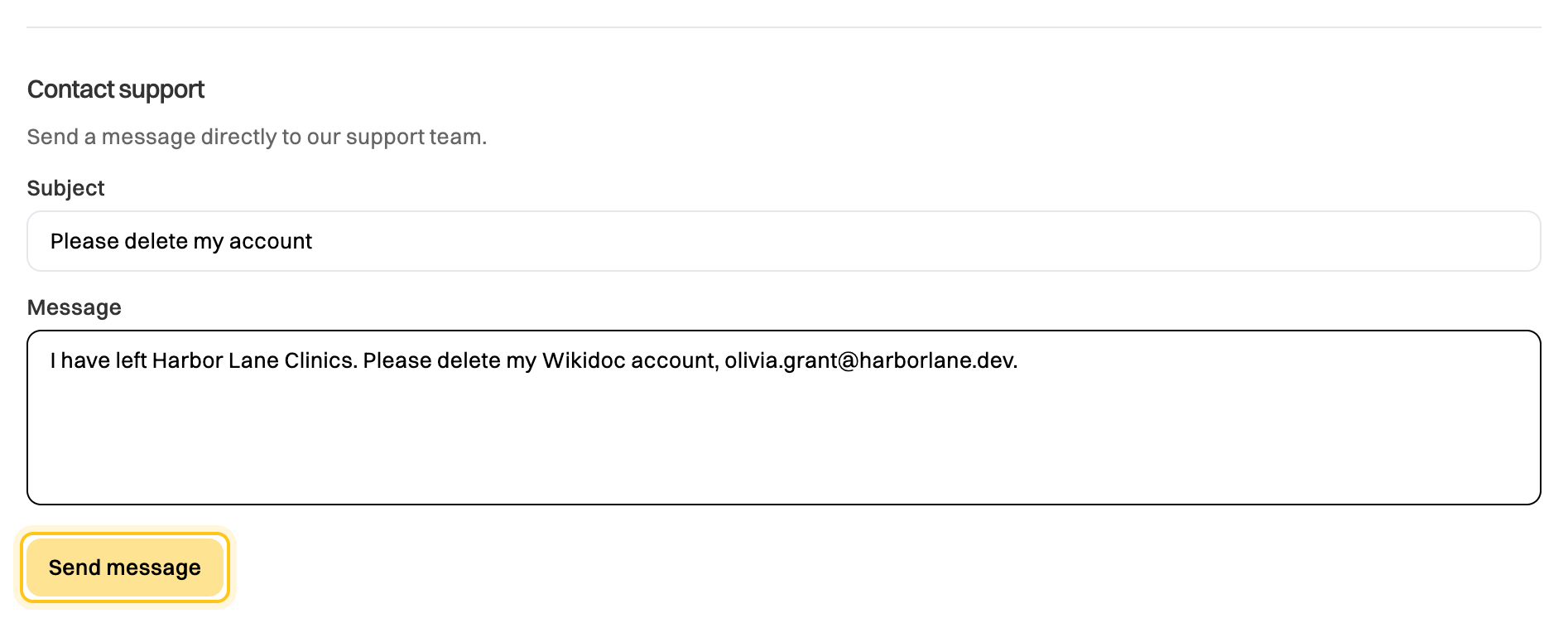
You’ll see Message sent. We’ll get back to you soon. We reply to the email address on your account.
By email
Section titled “By email”Email support@wikidoc.ai. Use the address you sign in with, so we can find your account. If you can’t sign in, email us from any address and tell us the one you use for Wikidoc.
When we’ll reply
Section titled “When we’ll reply”We generally reply within 48 hours. Requests from organizations on the Team plan are answered first.
What to include
Section titled “What to include”- What you were trying to do, and what happened instead.
- The exact wording of any error message.
- Where in Wikidoc it happened, for example Settings›Billing, or the name of the file.
- A screenshot, if you have one. Reply to our first email with it attached.
Things only support can do
Section titled “Things only support can do”- Delete your account. See Leave an organization or delete your account.
- Change the number of seats on a Team plan, or switch between monthly and annual billing. See Add or reduce seats.
- Undo a cancellation before your plan ends.
- Change the email address on your account. See Change your email address.