
Turn email notifications on or off
Choose which emails you get from Settings → Notifications.
Each kind of email Wikidoc sends has its own switch. Your settings are your own: nobody else can change them, and they don’t affect anyone else.
Change a setting
Section titled “Change a setting”-
Go to Settings›Notifications.
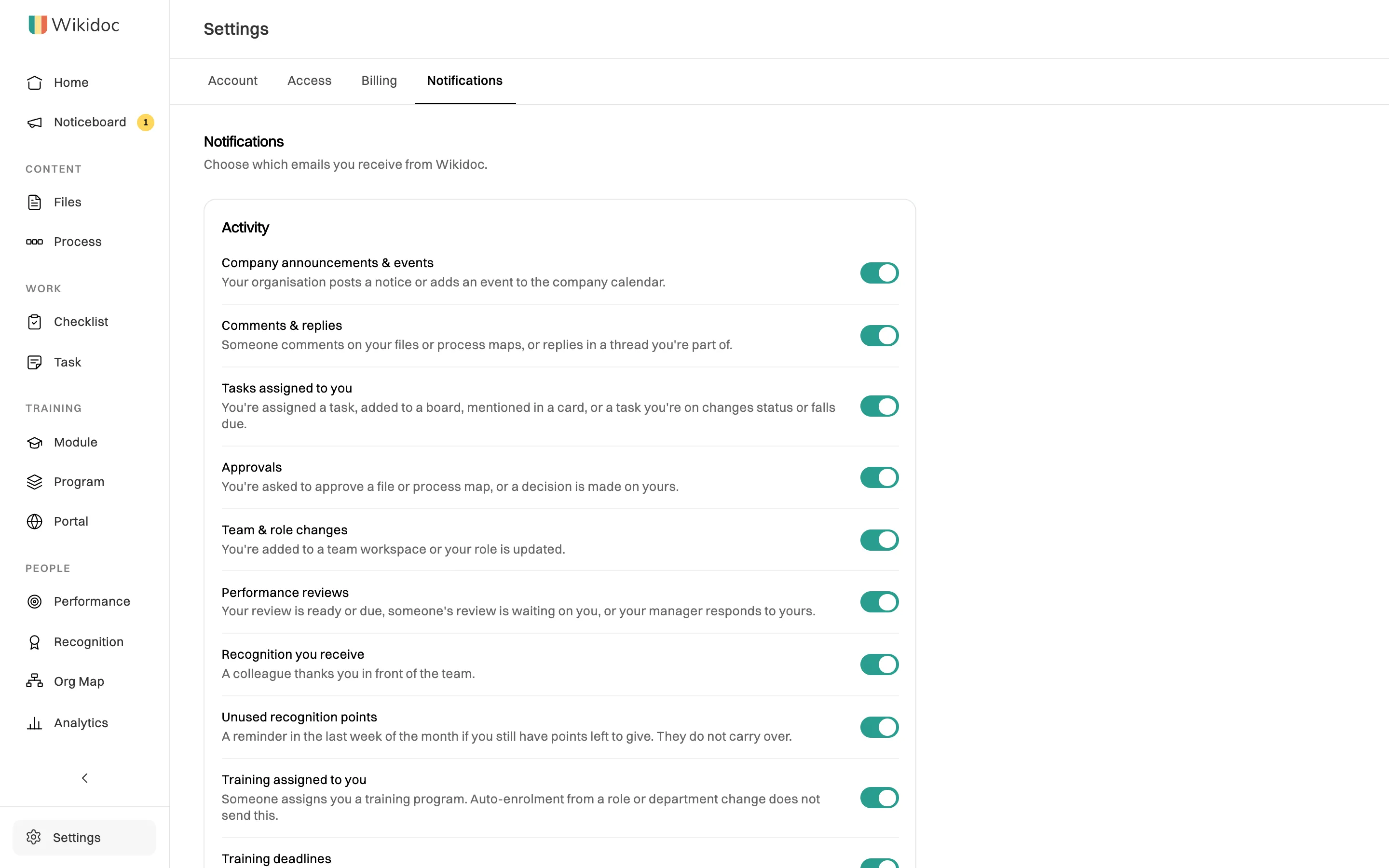
One switch for each kind of email. -
Click the switch next to a kind of email to turn it off, or back on.
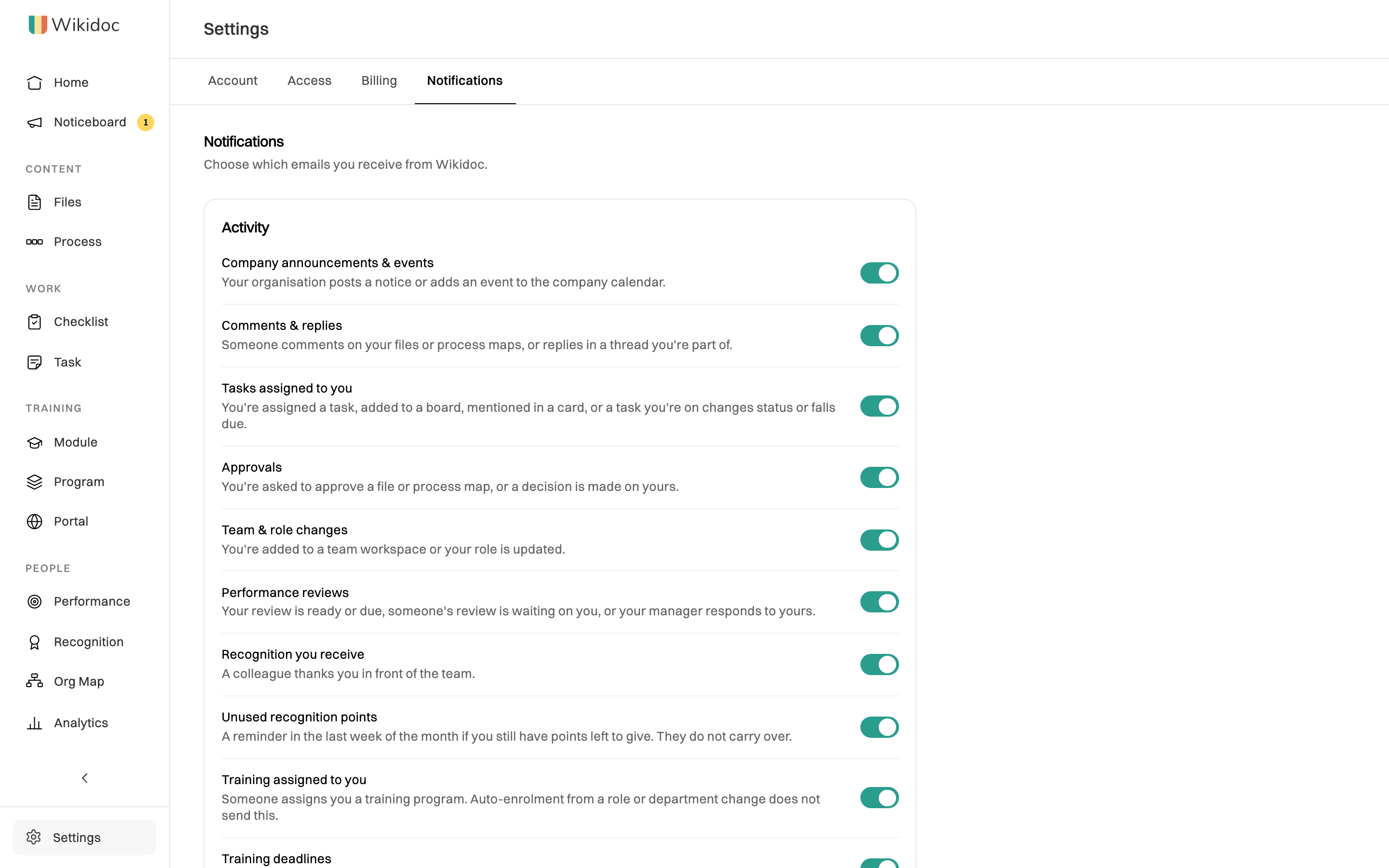
The change saves straight away. There’s no Save button.
The groups
Section titled “The groups”- Activity: things people do that involve you, and reminders about your work. These start on.
- Billing: receipts and confirmations for payments. This starts on.
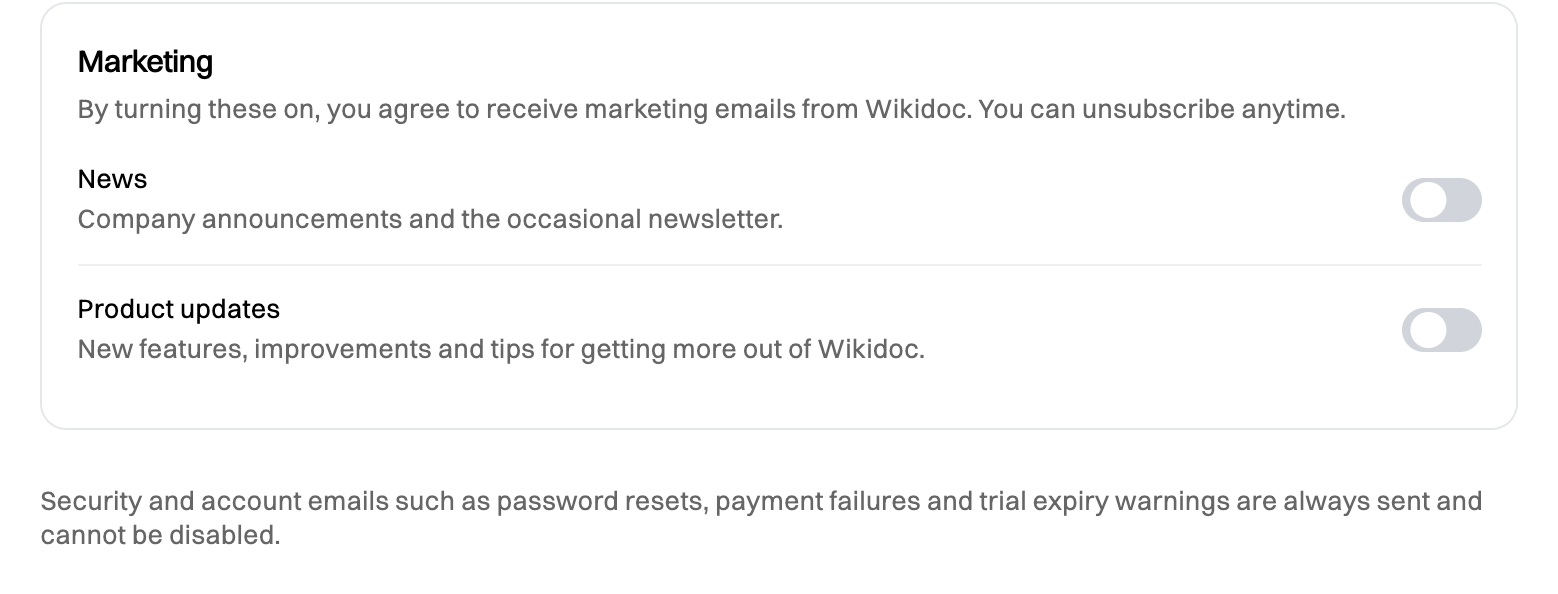
- Marketing: news and product updates. These start off. We only send them if you turn them on.
For what each setting covers, see What triggers a notification.
Good to know
Section titled “Good to know”- Turning an email off doesn’t hide anything in the app. The item still appears on your Activity page. See How notifications work.
- You can also unsubscribe from an email itself. Every email you can turn off has an Unsubscribe link at the bottom, which turns off that one kind. It’s the same switch as here.
- Some emails have no switch, because they’re about your account. See Emails you can’t turn off.