
Export analytics
Download training, program, performance and portal results as CSV files, for example for an auditor.
When someone asks you to prove training was done, such as an auditor, an insurer or a regulator, export it from Analytics as a CSV file. It opens in Excel, Google Sheets or Numbers.
Export who completed a training module
Section titled “Export who completed a training module”This is usually the one an auditor wants: everyone who took a module, when, and whether they passed.
-
Click Analytics in the sidebar, then Modules.
-
Click the module.
-
Narrow it down if you need to: search by email, choose Completed, Passed or another status, or pick a time range such as Last 90 days.
-
Click Export CSV at the top right.
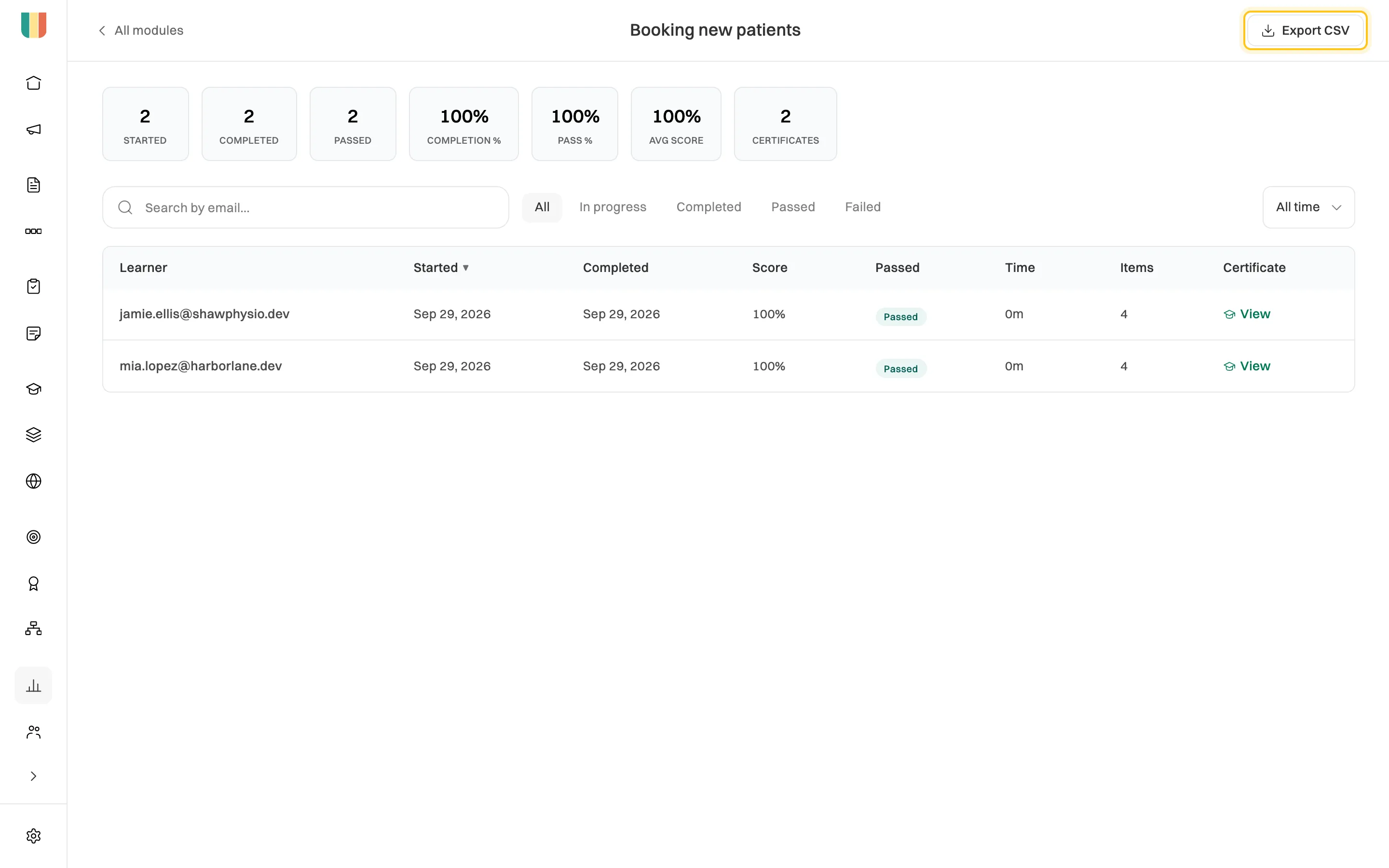
The export has the rows you see, after any search or filter.
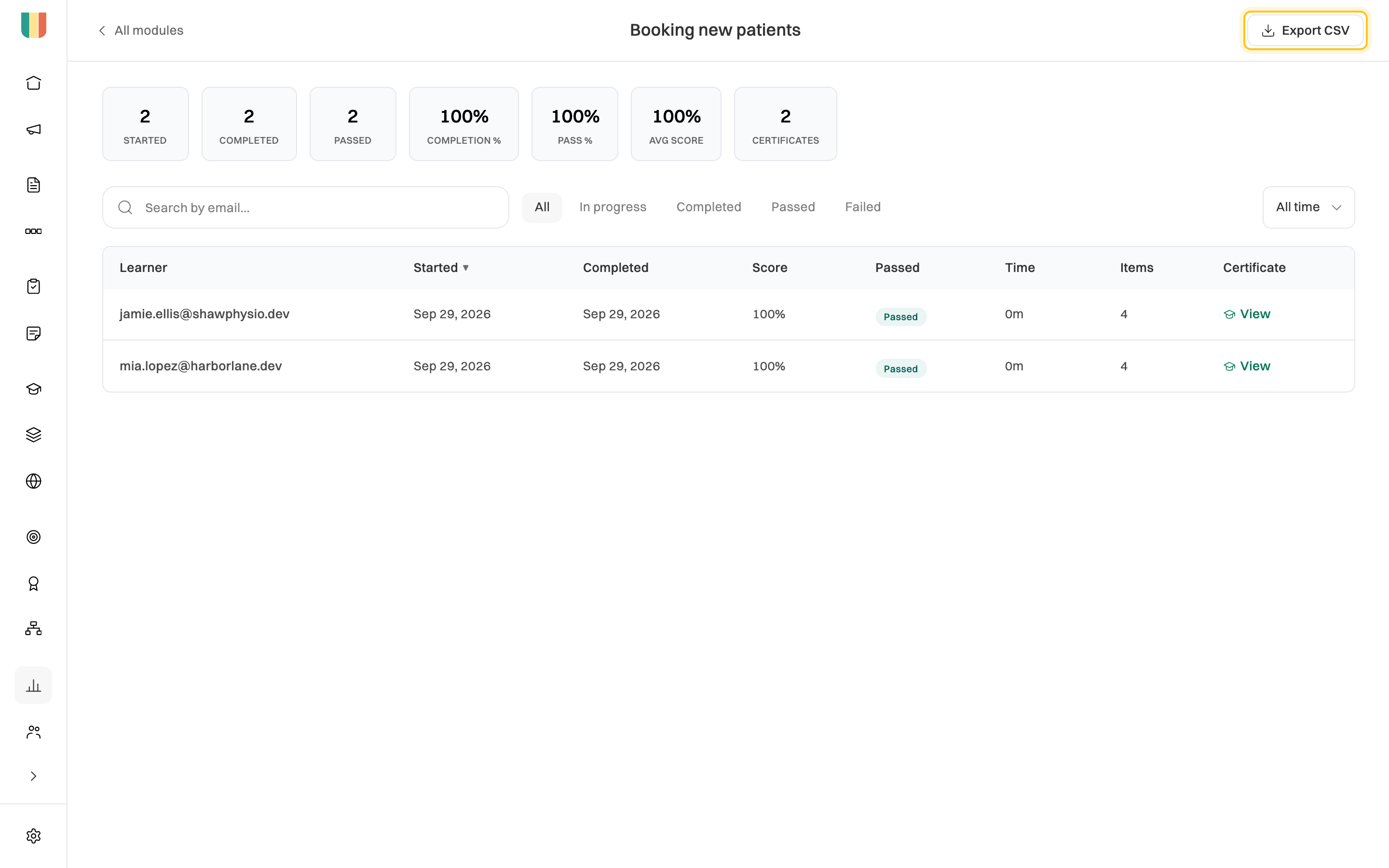
The file has one row per person, with their email, when they started and completed the module, their score, whether they passed, how long it took, how many items they completed and when their certificate was issued.
To prove a single certificate is real, share its verification link instead. See Certificates and how to verify one.
Other exports
Section titled “Other exports”| What | Where | What’s in it |
|---|---|---|
| A training program | Programs tab, pick the program, Export CSV | Each enrolled person, how they were enrolled, when, their progress and when they finished. Admins only. |
| Performance | People tab, Export CSV | Where reviews are up to, average scores by department and cycle, and KPIs against target, as on screen. Groups too small to report are left out. |
| Portal guests | Portals tab, pick the portal, Export CSV | Each guest, whether they registered, the modules they started, completed and passed, their average score, certificates and last activity. Admins only. |
Outside Analytics you can also export a task board (⋯ → Export as CSV on the board) and a single performance review (Export on the review).