
Cancel your subscription
Cancel Pro or a Team plan. You keep access until the end of the period you've paid for.
When you cancel, your subscription stops renewing. You keep your plan until the end of the period you’ve already paid for, then move to Free. Nothing you created is deleted.
To end a free trial instead, see Start a free trial.
Cancel
Section titled “Cancel”-
Go to Settings›Billing.
-
On the banner for your current plan, click Cancel subscription.

Cancel subscription is on your current plan's banner. -
Check the date your access ends, which is the end of the period you’ve paid for. Then click Yes, cancel. To keep your plan, click Keep my plan.
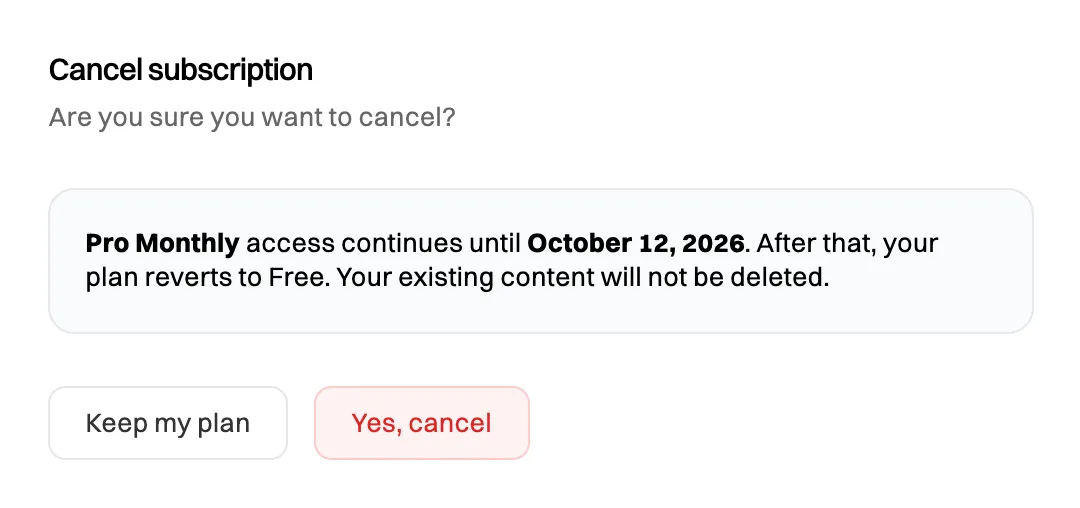
Canceling Pro. For a Team plan the message says that everyone keeps Team until the end of the period.
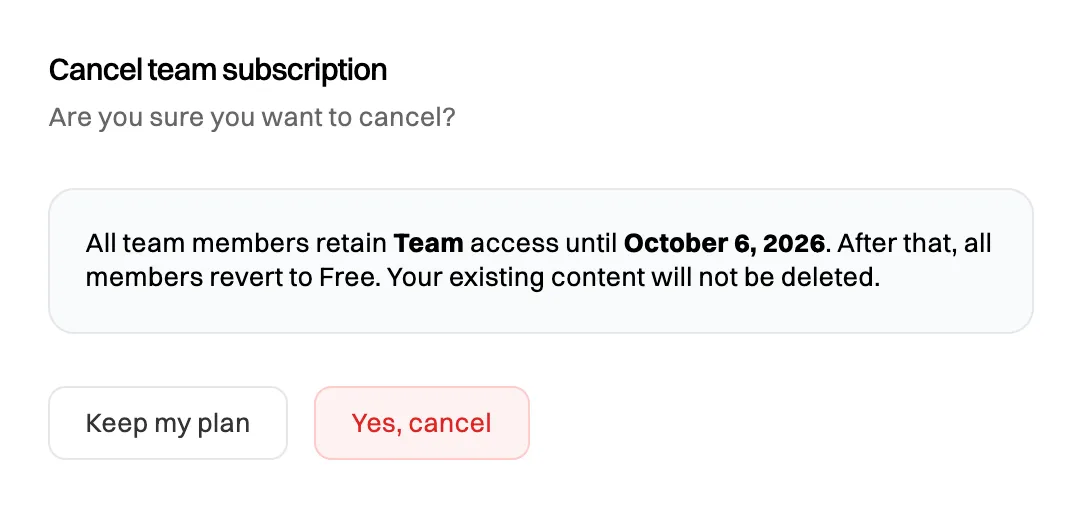
Canceling Team affects everyone in the organization.

What happens next
Section titled “What happens next”- Your plan stays active until the end of the period you’ve paid for. The banner on the Billing tab shows Cancels and that date.
- We email you to confirm the cancellation, and again 3 days before your plan ends.
- When it ends, you move to Free, or everyone in the organization does for Team. Your content stays. Free limits apply to anything new you create, and some Team features become read-only. See What happens when a plan or trial ends.
- You won’t be charged again.
If you see We couldn’t cancel your subscription with our payment provider, nothing has changed and you keep your plan. Try again, or contact support.
While a payment has failed and the Billing tab asks you to update your card, Cancel subscription isn’t shown. See My payment failed.
Refunds
Section titled “Refunds”Payments are non-refundable, except where the law requires a refund. Canceling stops future payments. It doesn’t refund the current period, which you keep using until it ends.
Changed your mind?
Section titled “Changed your mind?”Once the plan has ended, upgrade again from Settings›Billing. See Upgrade to Pro or Upgrade your organization to Team. To undo a cancellation before the plan ends, contact support.