
Start a free trial
Try Pro free for 14 days, or try Team for your whole organization. No card needed.
You can try Pro, or Team, free for 14 days. You don’t need a card, and nothing is charged when the trial ends: you go back to Free unless you choose to pay.
| Pro trial | Team trial | |
|---|---|---|
| Who it’s for | You | Your whole organization |
| Who can start it | Anyone who hasn’t had a trial or a paid plan before | An Admin, in an organization with 5 or more members |
| How often | Once per account | Once per organization |
| Length | 14 days | 14 days |
Your trial is applied automatically when you choose a plan, using the code TRYFREE14.
Start a Pro trial
Section titled “Start a Pro trial”-
Go to Settings›Billing, or click Upgrade in the sidebar.
-
Choose Monthly or Annual, then click Upgrade to Pro.
This only decides the price shown for after the trial. You don’t pay anything now.
-
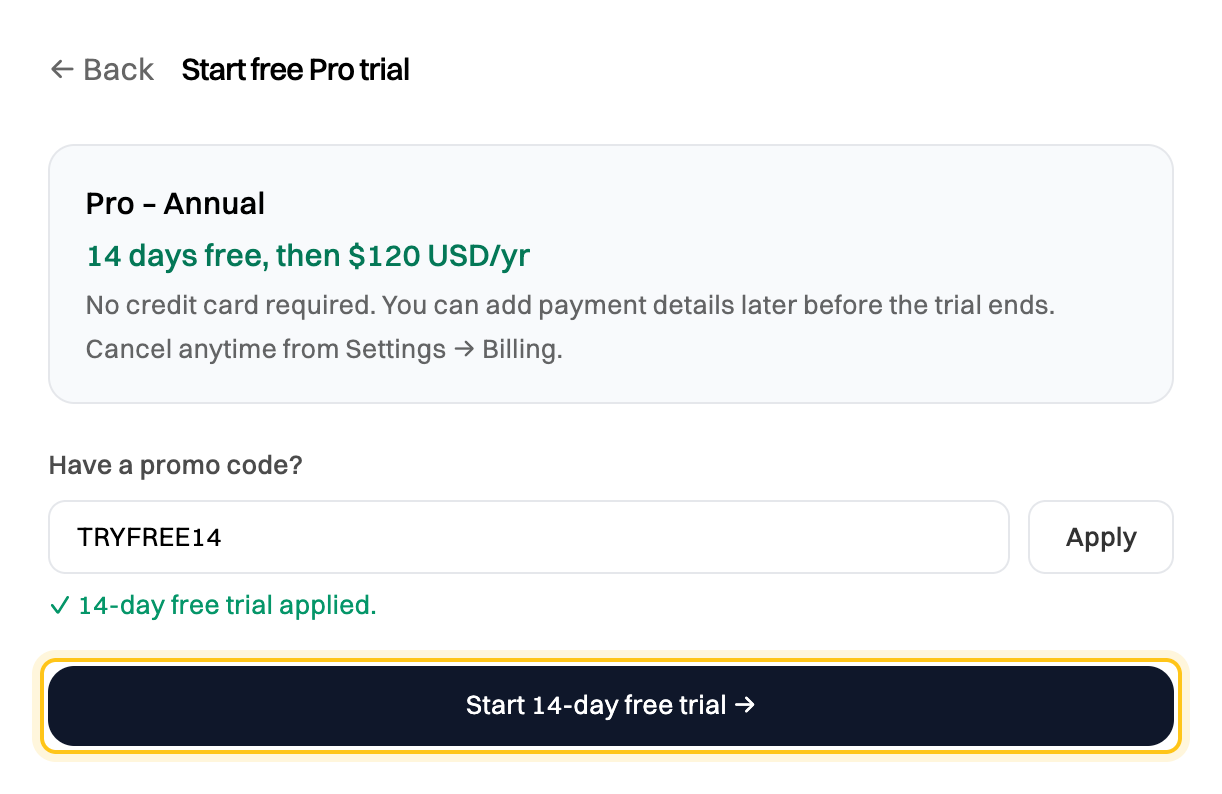
Check that it says 14-day free trial applied, then click Start 14-day free trial.
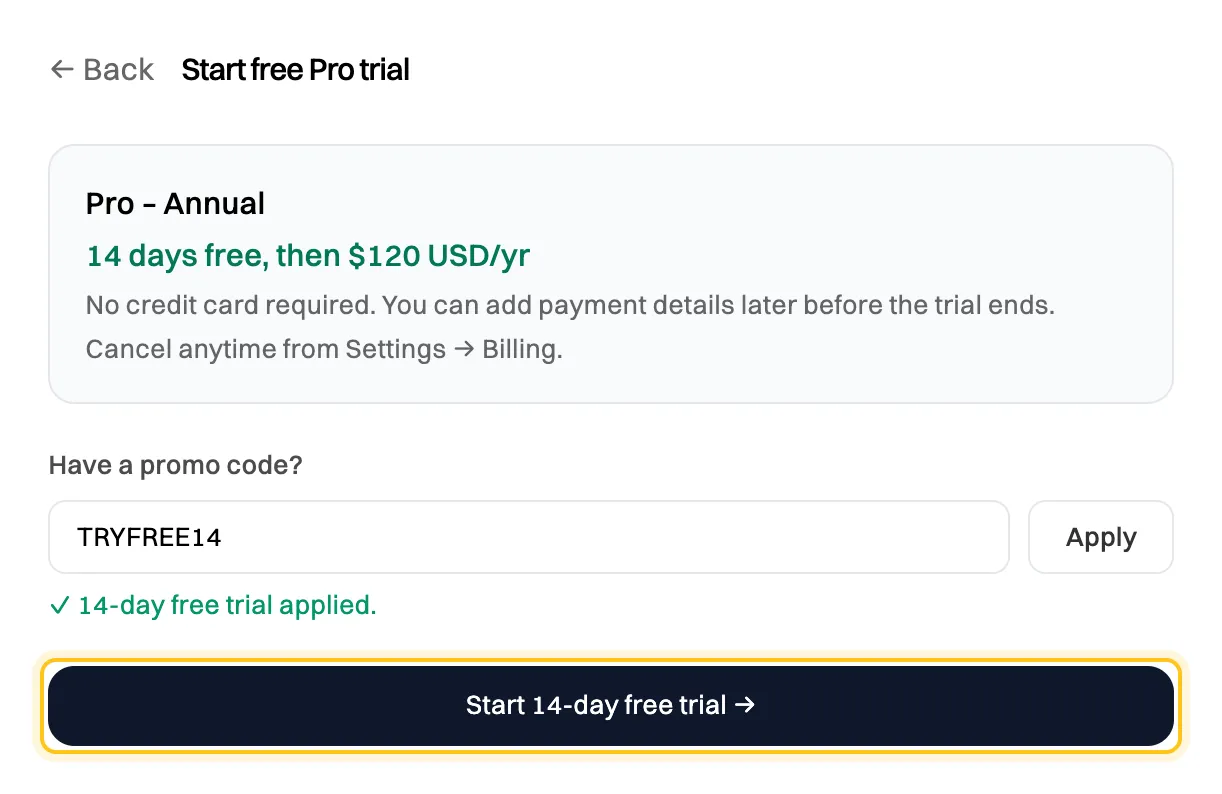
The trial code is filled in for you.
You’ll see Your free trial has started!, and we email you to confirm. The Billing tab now shows how many days you have left.

Start a Team trial
Section titled “Start a Team trial”A Team trial gives everyone in your organization Team features for 14 days.
-
Go to Settings›Billing.
-
Choose Monthly or Annual. On the Team card, set the Number of seats. It starts at your member count, and the minimum is 5.
-
Click Upgrade to Team.
-
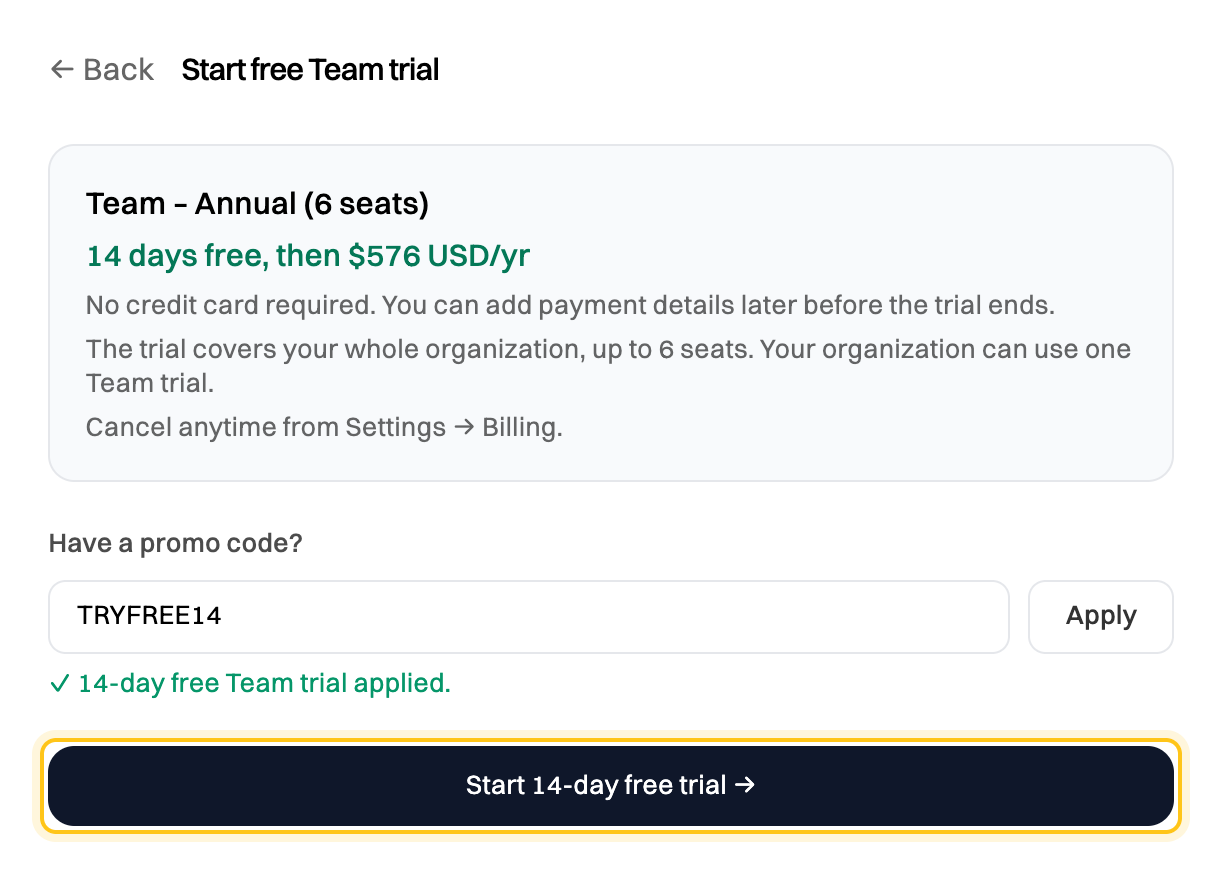
Check that it says 14-day free Team trial applied, then click Start 14-day free trial.
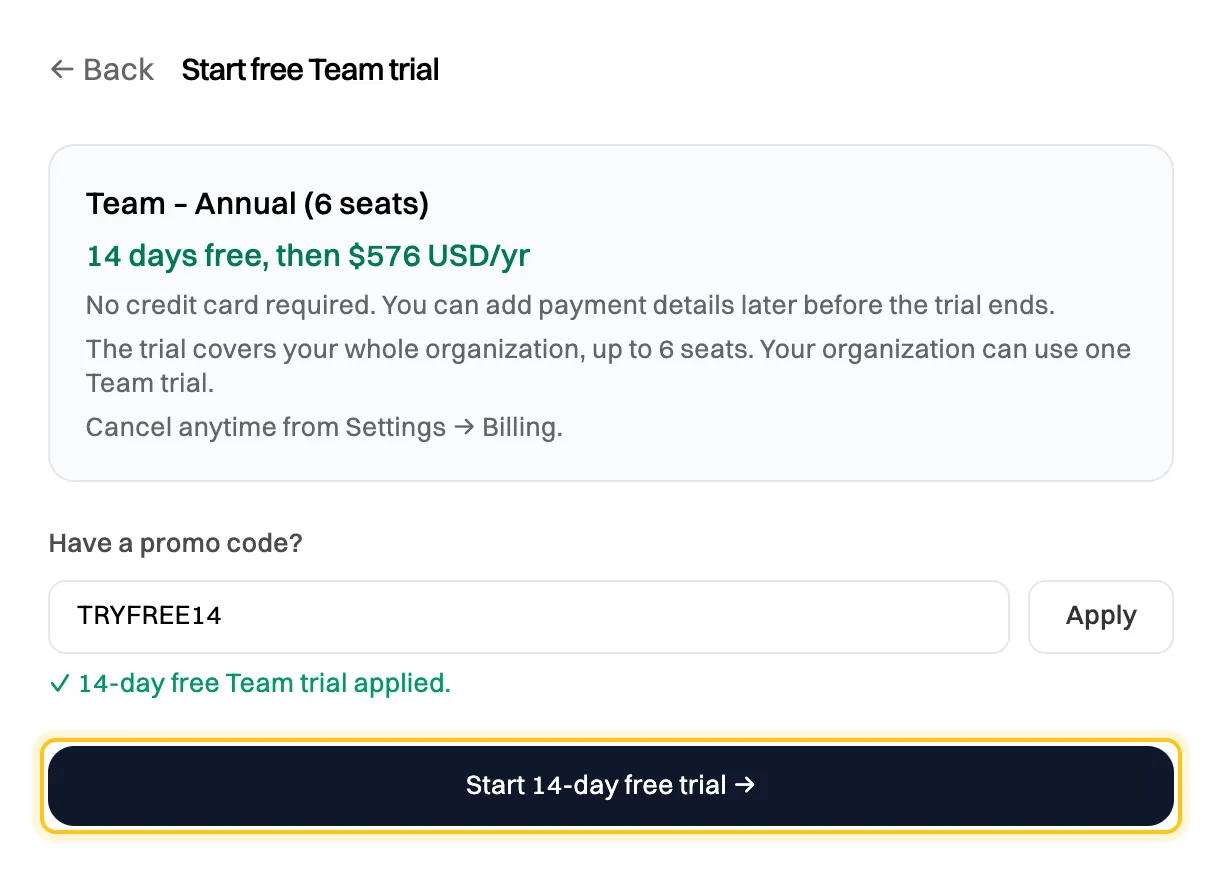
The trial covers your whole organization, up to the seats you chose.
Everyone in your organization moves to Team straight away. If you chose fewer seats than you have members, the rest stay on Free, waiting as Pending on the Access tab. See How organizations, members and seats work.
When the trial ends
Section titled “When the trial ends”We email you 3 days before your trial ends.
To keep the plan without a break, click Upgrade now on the trial banner in Settings›Billing before the trial ends, then pay. Your paid plan starts straight away, and the rest of the trial isn’t used.
If you don’t upgrade, you move to Free when the trial ends, and for a Team trial, so does everyone in your organization. You can still upgrade afterward from the Billing tab.
Nothing you created is deleted. See What happens when a plan or trial ends.
End a trial early
Section titled “End a trial early”- Pro: click Cancel trial on the Billing tab, then Yes, cancel trial.
- Team: click End trial, then Yes, end trial. This ends it now, not on its end date, and everyone moves to Free. Your organization can’t start another Team trial.
If the trial isn’t applied
Section titled “If the trial isn’t applied”The message under the code says why:
| Message | What it means |
|---|---|
| Free trial has already been used for this account. | You’ve had a trial before, Pro or Team. |
| Free trial is not available for accounts with a previous subscription. | You’ve paid for a plan before. |
| Your organization has already used its Team trial or subscription. | Your organization has had Team before. |
| The Team plan requires 5+ members (you have 3). | Team starts at 5 members. Invite more people first. |
| Admin role required for the Team plan. | Ask an Admin in your organization to start it. |
You can still upgrade and pay. Clear the code box to go straight to payment.